1. SketchBook
SketchBook
is a drawing software built to help designers, engineers, visual
artists, and students design and create what comes to their imagination.
The application has an intuitive and streamlined user interface with
features such as layers and blend modes that every artist requires. It’s
available on all computer and mobile operating systems.

Source: SketchBook
What users like
"I love the fact that it provides so many features for free. There
are multiple kinds of brushes, color swatches, advanced layers, rulers
and guides, perspective grid, mirror for symmetry, stroke stabilizer, as
well as support for pen input."
– SketchBook Review, John Paul D.
What users dislike
"It has always bothered me when I enlarge and the image rotates and
is at an awkward angle. One should simply be able to zoom in without
causing the image to rotate. Place a magnifying glass tool somewhere."
– SketchBook Review, Carlos A.
2. Adobe Fresco
Built for the latest stylus and touch devices, Adobe Fresco
brings together the world’s largest collection of vector and raster
brushes, plus revolutionary new Live Brushes, to deliver a completely
natural painting and drawing experience. For artists, illustrators,
animators, sketchers, and anyone who wants to discover – or rediscover –
the joy of drawing and painting.
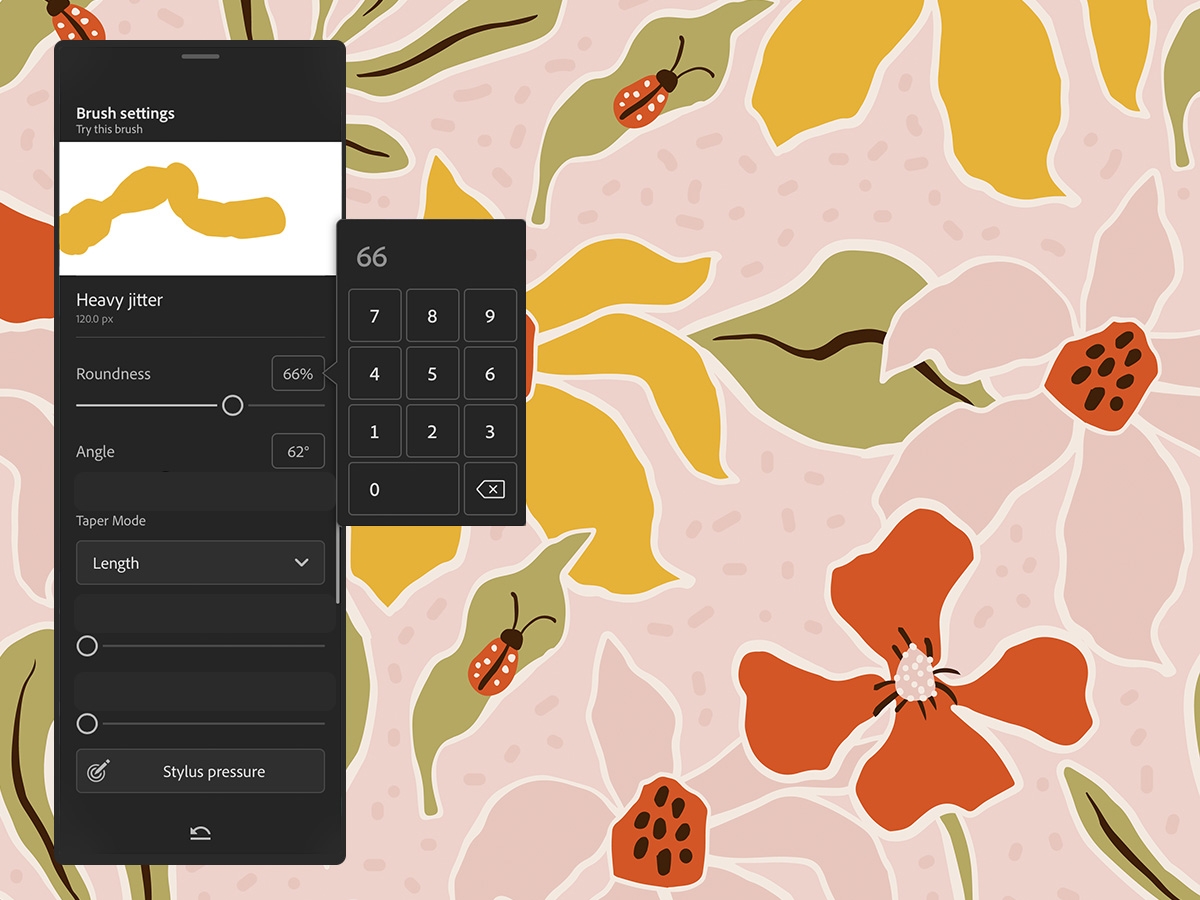
Source: Adobe Fresco Help Doc
What users like:
“I like that it combines the features I had from both Adobe Sketch
and Adobe Draw. I have access to both vector and pixel brushes as well
as Live Brushes, which was an interesting new feature.”
- Adobe Fresco Review, Katelyn M D.
What users dislike:
“Without a stylus, this is not an experience to like. I recommend
having either a tablet with a stylus or a computer with a drawing
tablet. Using your finger or mouse doesn't yield the same result.”
- Adobe Fresco Review, Stefan G.
3. Clip Studio Paint
Clip Studio Paint
is a standard drawing software used for manga drawing. The application
is for artists who love to draw and paint. It emulates a natural paint
brush feel compared to other drawing software, which means you can
create your vision however you want. It’s available across all
platforms, and users can avail themselves of a free trial before
purchasing the full version.
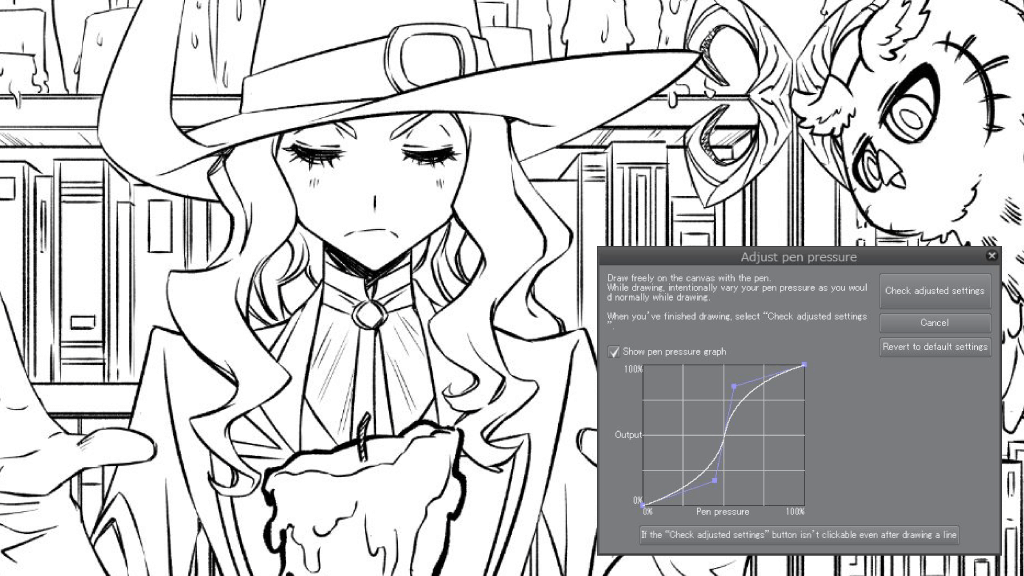
Source: Clip Studio
What users like:
“The flow, the brushes, the canvas, the export options. Clip Studio
even lets you animate, having everything on a single screen. You can
create a whole comic and export it to platforms directly or design it
for print. Clip Studio also has a whole set of brushes and a market
where you can buy brushes created by artists who really use them.”
- Clip Studio Paint Review, Rogelio A.
What users dislike:
“A few default keyboard shortcut keys for Clip Studio were difficult
to figure out at first. This led me to go into the settings to change it
to what I am most comfortable with. The second issue I encountered is
that the clip studio animation timeline is very difficult to use if you
don't have a guide to show you how it works. The animation timeline is
not user-friendly and will not allow you to easily figure out how to
work with it.”
- Clip Studio Paint Review, Shem E.
4. ArtRage
ArtRage
is a uniquely realistic and intuitive drawing software for artists.
Designed to be easy and fun to use yet powerful enough for
professionals, ArtRage offers a wide range of media tools and features.
Created by a small company in New Zealand, Artrage has a fantastic user
base, is highly reliable, and provides responsive support. ArtRage is
available for Windows, macOS, Android, and iOS.

Source: ArtRage.com
What users like:
“It is a very good and perfect tool to paint and draw realistically. I
like its brushes; they are very close to reality. Its interface is very
good and flexible. I also like the color combination. It really does a
good job. It is great to use ArtRage.”
- ArtRage Review, Bruno A.
What users dislike:
“I dislike very little about the software: occasionally, I have
trouble exporting images if the canvas is too large. Also, it's
obviously not as advanced as something like Photoshop in the editing and
effects department.”
- ArtRage Review, Emma W.
5. Krita
Krita
is a digital painting application that's completely free to use.
Designed for Windows, Linux, and Mac, this tool has a simple interface
that lets users experiment with unusual effects with digital art, like
layer masks and color palettes. It also has effects specific to Krita
drawing, including Krita brushes and Krita animation – not to mention
the Krita download and review options.

Source: Krita
What users like:
“The best thing about Krita is its intuitive layout and vast array of
brushes. Its animation capabilities are also some of the best I've
seen, especially in a completely free and open-source product.”
- Krita Review, Moiz F.
What users dislike:
“It is an open-source program, which implies that anyone can use it
for free, but this has a negative part, and that is that it continually
has updates that can bring usability problems (although it is not
frequent). On the other hand, although it has many functions and tools,
some are still missing, such as the draft funds, but someday they will
include it.”
- Krita Review, Aileen Z.
6. YouiDraw Drawing
YouiDraw Drawing
helps you create incredible vector graphic designs. The application is
similar to Adobe Illustrator or CorelDraw, but it works on html5 canvas
along with Google Drive. This means that there is no need to download
any software, and you can access your work anywhere on the drawing
website. Whether you’re getting started or have years of experience,
YouiDraw online drawing tool is a powerful vector graphic design
solution on the web. With online graphic design in various environments,
you have everything you need to express your style and creativity.

Source: YouiDraw Drawing
What users like:
“I really like that this free program is so easy to understand
for beginners. If you're looking for a program to play around with to
decide if digital art is for you, this is a great option. It has
standard options that you find across almost every drawing program, but
it also has more. I also like the layout of this program.”
- YouiDraw Review, Ashleigh D.
What users dislike:
“I actually really enjoy the layout of this program, so I guess
I was mostly disappointed in the previously mentioned sister program,
YouiDraw Painting. I think most of the tools in this app are better for
painting than that one. That being said, this isn't the ideal program
for most of what I do, which is illustrations. There are too many tools
designed specifically for graphic design.”
- YouiDraw Review, Sandra C.
7. PaintTool SAI
PaintTool SAI
is a high-quality and lightweight painting software with full digitizer
support, amazing anti-aliased paintings, and easy, stable operation.
This software makes digital art more enjoyable and comfortable to
create. It helps you produce anti-aliased drawings and highly accurate
compositions. With a simple user interface, it fully supports Intel MMX
technology.

Source: PaintTool SAI
What users like:
“The various tools available are plentiful, and I am able to gradient
down to fine details for a greater breakthrough of my art to the naked
eye. I actually prefer this program over Photoshop.”
- PaintTool SAI Review, April M.
What users dislike:
“The only thing I dislike about PaintTool SAI is
that it doesn't have the range of features compared to Photoshop when it
comes to image editing and grading. But it doesn't mean I can't just
export it into Photoshop to do it. The other annoying thing is that
sometimes the software can't support PSD files and won't let me save my
artwork. It seems to be a bug that always catches me off guard, and I
will have to reinstall the app to fix it.”
- PaintTool SAI Review, Meijia W.
8. Painter
Step into the world of endless possibilities with Painter,
a trusted, professional digital art software. You can sketch, paint,
illustrate, and produce unparalleled photo art with hundreds of
impeccably realistic artist-created brushes, superior blending, and an
array of versatile art tools.

Source: Painter
What users like:
“All Painter brushes give the feeling of painting in
real life. Its color palette and the ability to extrapolate the colors
from a reference photo make it ideal for reproducing landscapes without
losing the artistic touch. Each Painter tool is designed to faithfully
reproduce its real-world counterpart.”
- Painter Review, Alessandro C.
What users dislike:
“The downside is that layers sometimes are really
useful and needed. When doing little changes, it feels more natural to
do a layered image, and Photoshop is just more intuitive, even with my
surface pro.”
- Painter Review, Sarah F.
9. MyPaint
MyPaint
is a nimble, distraction-free, easy-to-use tool for digital painters.
It supports graphics tablets made by Wacom and many similar devices. Its
brush engine is versatile and configurable, and it provides useful
productivity tools. The standard brushes can emulate traditional media
like charcoal, pencils, ink, or paint.
But you don’t have to limit yourself to just the standard ones. It’s
easy to make expressive, artful new brushes that don’t respond like
anything conventional.

Source: MyPaint
What users like:
“Can draw a picture on the computer. When drawing, I can do
encolouring and regulation. However you want to design, I can delete it
and do it again. I like creating new projects, new designs, and adding
pictures. Good job on the change available on picture. Doing all of the
operations is easy. It is useful and easy.”
- MyPaint Review, Cihan D.
What users dislike:
“There are many features to the program which is
an asset to have, although the issue may become that it takes a while to
understand all the features provided before it becomes easy to use.”
- MyPaint review, Sarah G.
10. DrawPlus
Optimized for the latest tech on Mac, Windows, and iPad, DrawPlus
is setting the new industry standard in the world of design. Best in
class for creating concept art, print projects, logos, icons, UI
designs, and mock-ups, it’s already the top choice of thousands of
professional illustrators, web designers, game developers, and other
creatives who love its silky-smooth combination of vector and raster
design tools.

Source: DrawPlus
What users like:
“Serif products have been for a long time a low-cost usable
alternative to Adobe products. They provide a great alternative to a
subscription license in a one-time purchase model. The resource load is
significantly lighter than a product like Photoshop or Illustrator,
which can start up sluggishly.”
- DrawPlus Review, Jonathan H.
What users dislike:
“I disliked that sometimes it would glitch or take
a little while to respond to the brush strokes, but that could've been
an error on my end, not necessarily the software's.”
- DrawPlus Review, Kayla M.
11. Epic Pen
Epic Pen
has been carefully designed to be easy and intuitive to use. The clean
and beautifully polished interface always works just the way you expect.
Epic Pen allows you to draw over any application on Windows and Mac
without interruption. User-friendly features like Pen and Highlighter
empower you to draw over web pages, maps, live videos, stock charts, and
video games.

Source: Epic Pen
What users like:
“Epic Pen is one of the best digital pen solutions which I've ever
used. One of the essential things I adore about Epic Pen is that it's
easy to hide features. We can hide our notes with just a single click at
the bottom. Epic Pen also remembers our content when it's closed.”
- Epic Pen Review, Shubham G.
What users dislike:
“Keyboard shortcuts do not match any standards
from other software. The initial setup for screenshot saving was tricky;
screen captures did not go to an intuitive default location. It might
be too easy to clear the screen without having saved work for later
review. I would love a prompt that asks if I am sure.”
- Epic Pen Review, Tanya M.


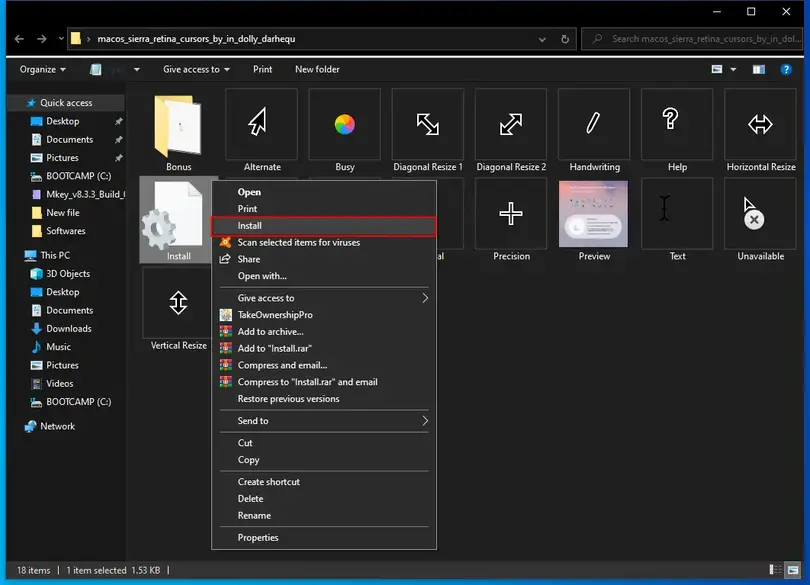
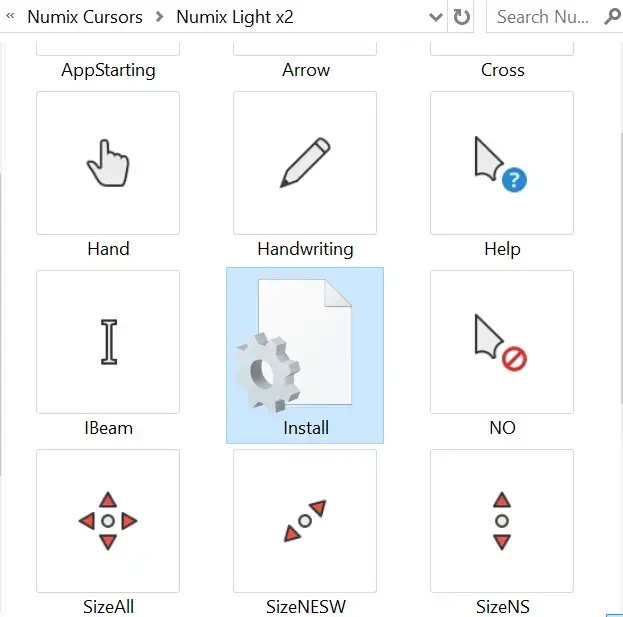
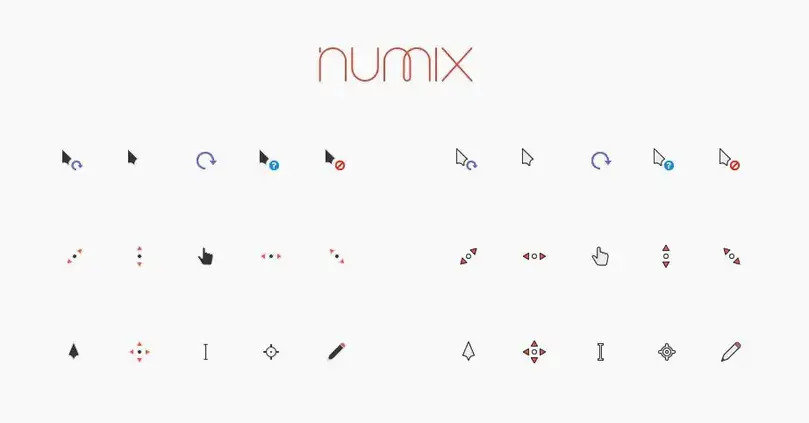
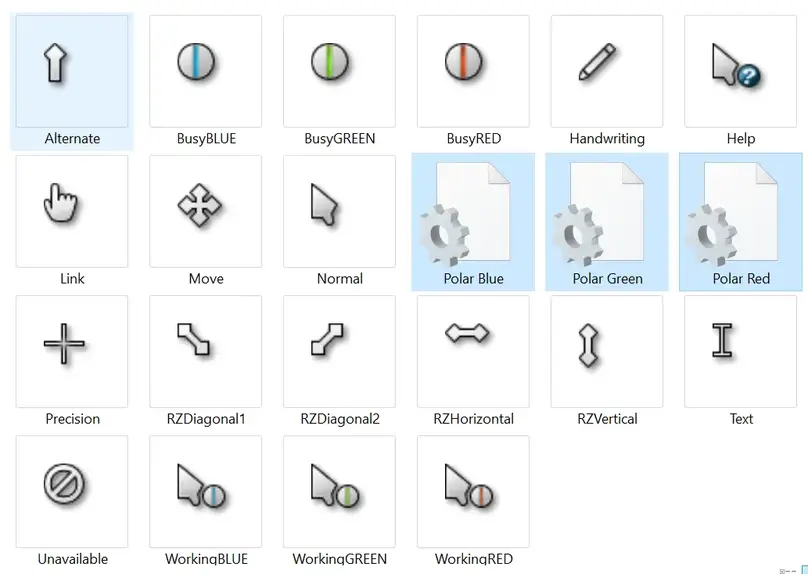
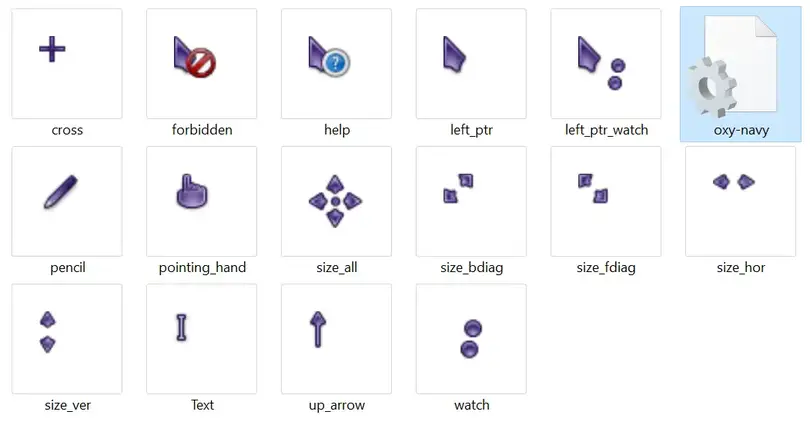
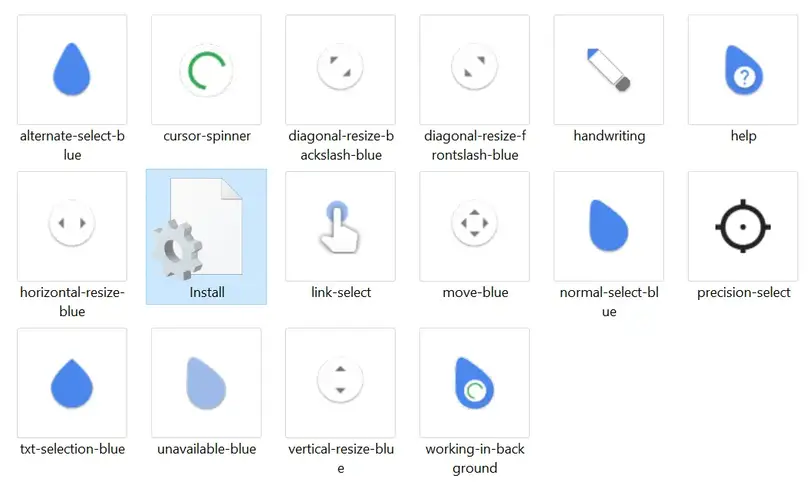
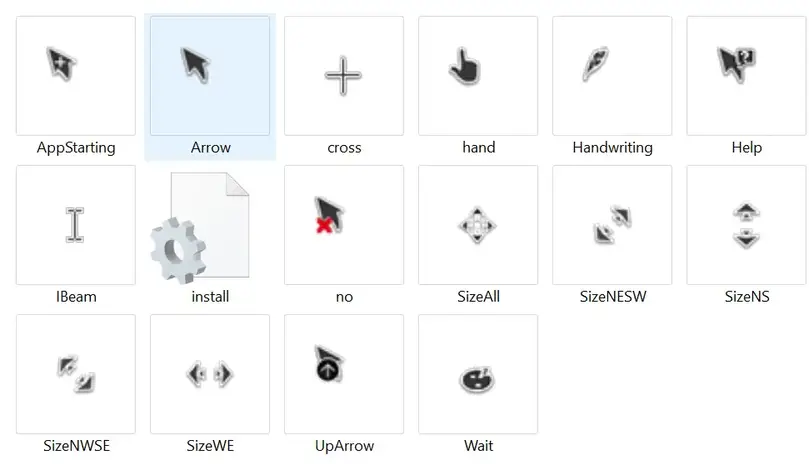
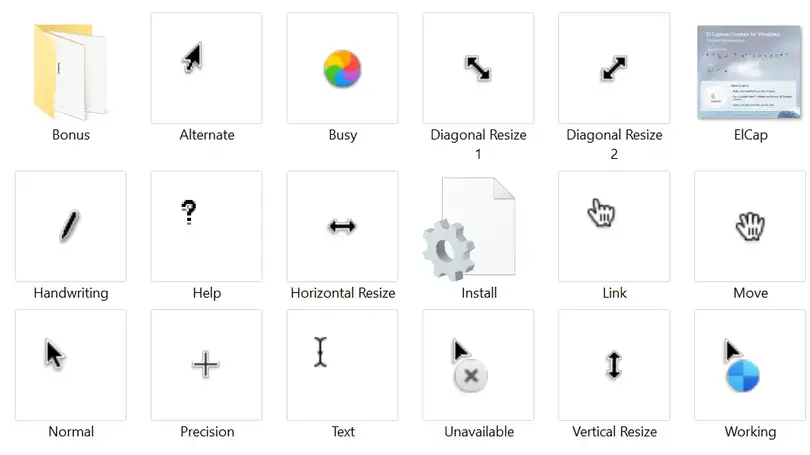
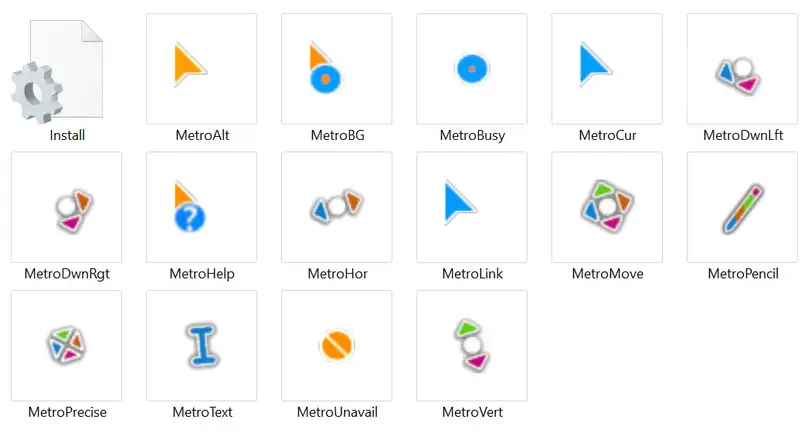
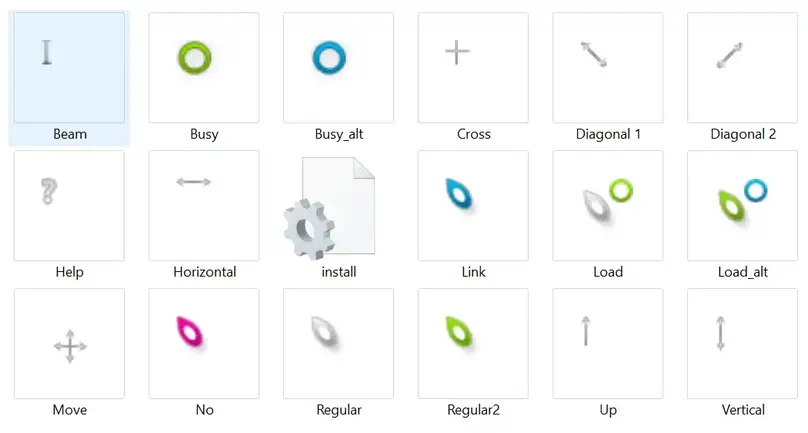
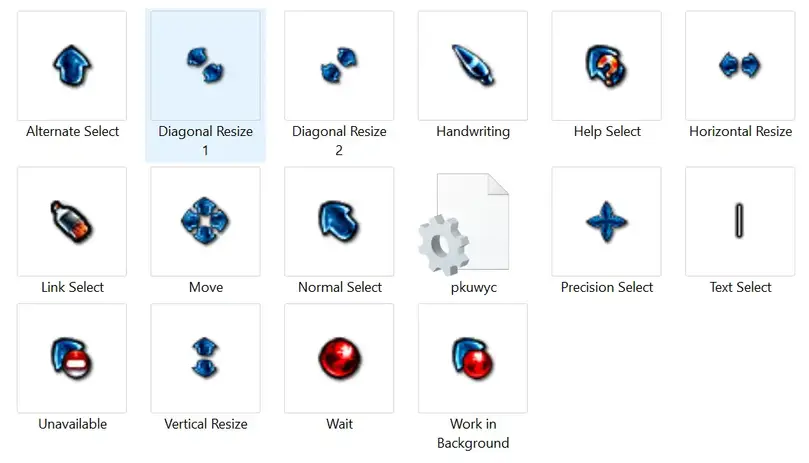
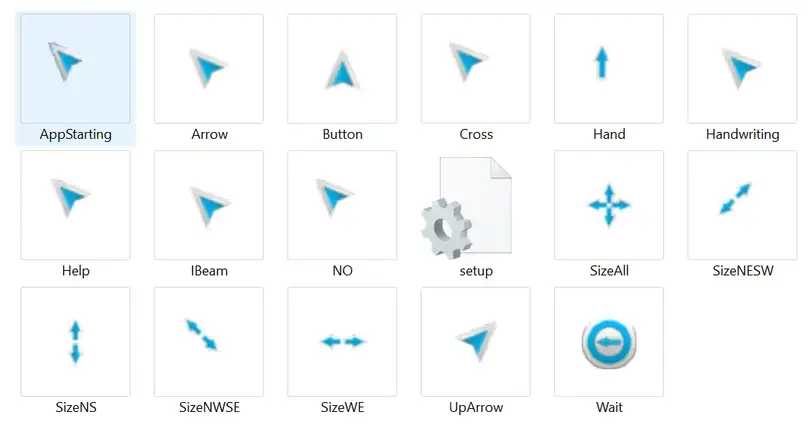
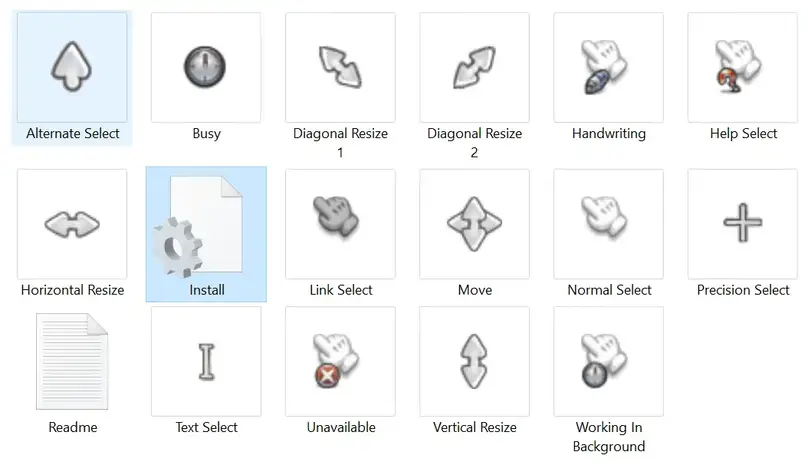
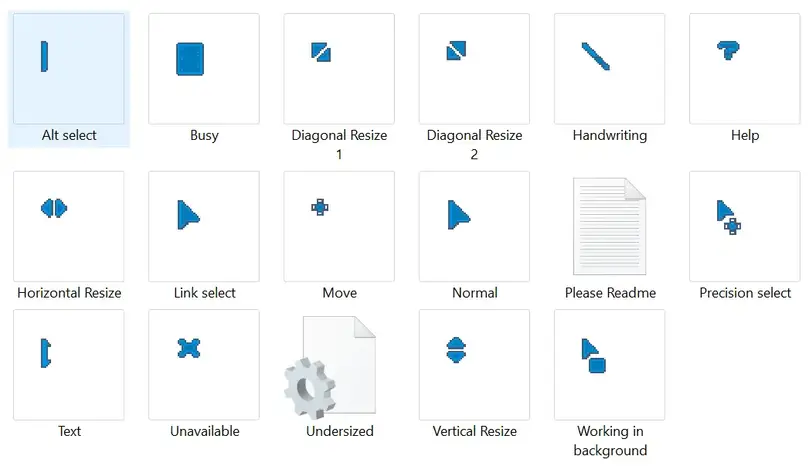
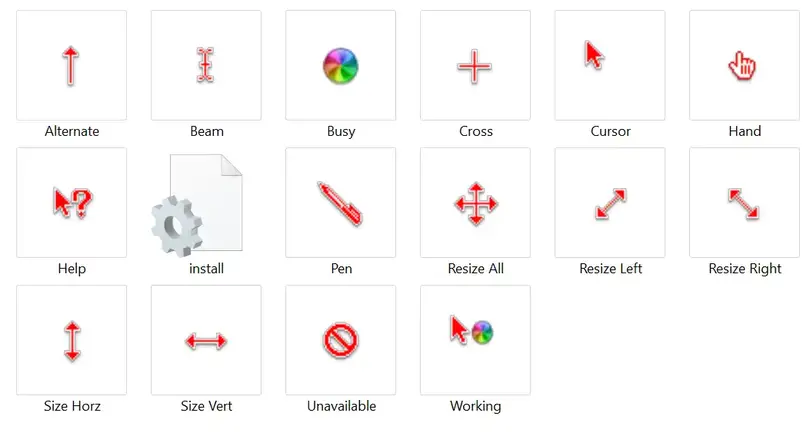 Cursors
in Rainbow Cursors are based on Mac cursors that change color
continuously. You will love this set of cursors if you like different
colors. Additionally, an inf file is included for easy PC installation.